
Why can't I access my account?
Trouble logging in is almost always one of a few things: a forgotten password, a typo in the email address, an out-of-date saved password, or a browser issue. This article walks through them in order.
Step 1 — Check the email address
Make sure you're typing the email address you actually signed up with. If you have multiple email addresses, it's easy to try the wrong one. Browser auto-fill sometimes inserts an old address.
Step 2 — Reset your password
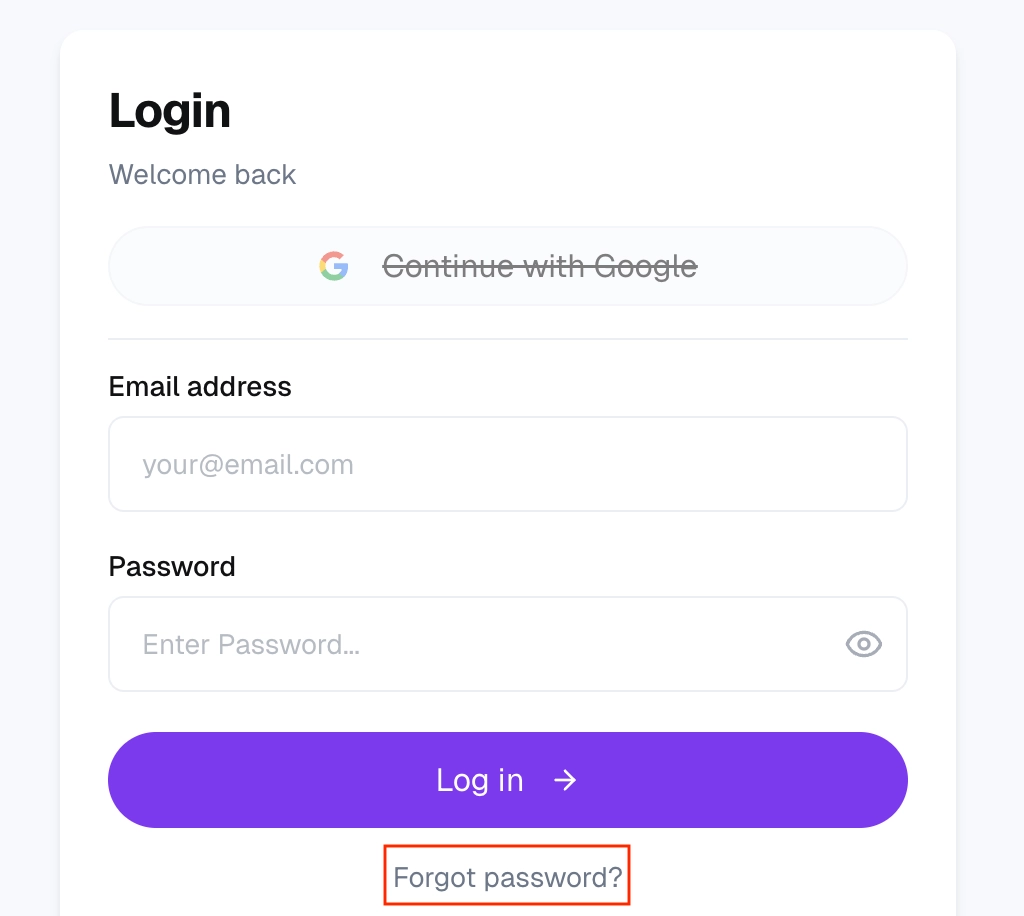
If the email looks right but the password is rejected, the password is the issue. Reset it from the login screen using Forgot password. See How do I reset my password? for the full flow. If you reset successfully and the new password still doesn't work, you may be resetting the wrong account (a typo in the email sent the reset to the wrong inbox).
Step 3 — Try a different browser or incognito window
Browser extensions, cached sessions, or stuck cookies can block a login. Try:
An incognito / private window.
A different browser entirely.
Clearing cookies for the Dubly.AI domain.
If incognito works, a browser extension or stored data is the cause.
Step 4 — Check that the email is registered
If you've never received any emails from Dubly.AI on the address you're using, you may have signed up with a different email — or you may not have an account at all. Search your inbox for past Dubly.AI emails to confirm.
What's not the problem
There's no account lockout. Dubly.AI doesn't lock your account after failed login attempts. If login keeps failing, the credentials are wrong, not a lock.
There's no Dubly.AI two-factor prompt. If something is asking for a 2FA code, that's your email provider or password manager — not Dubly.AI.
When access is intentionally blocked
Most login issues come down to wrong credentials. But there are two cases where a correct email and password still won't get you in:
Your email domain is on our spam blocklist. Dubly.AI prevents signups from disposable and known-spam email providers. If you tried to sign up with such an address, you'll have seen the message "Registration is not available for this email domain." Use a regular work or personal email instead. If you think your domain was blocked by mistake (e.g. a legitimate company email), contact support and we'll review it.
An invoice is unpaid. If a subscription invoice on your account stays unpaid for an extended period, we may pause access until the outstanding balance is settled. You'll have received reminder emails before this happens — search your inbox for Stripe / Dubly.AI billing emails and pay any open invoice via the link inside. Access is restored once payment goes through. If you can't find an open invoice but suspect this is the cause, contact support.
When to contact support
If you've tried the steps above and still can't log in, contact support and include:
The email address you're trying to log in with.
What you've already tried.
Whether you ever logged in successfully from this browser before.